
Web system
Plan, assign and supervise from the browser
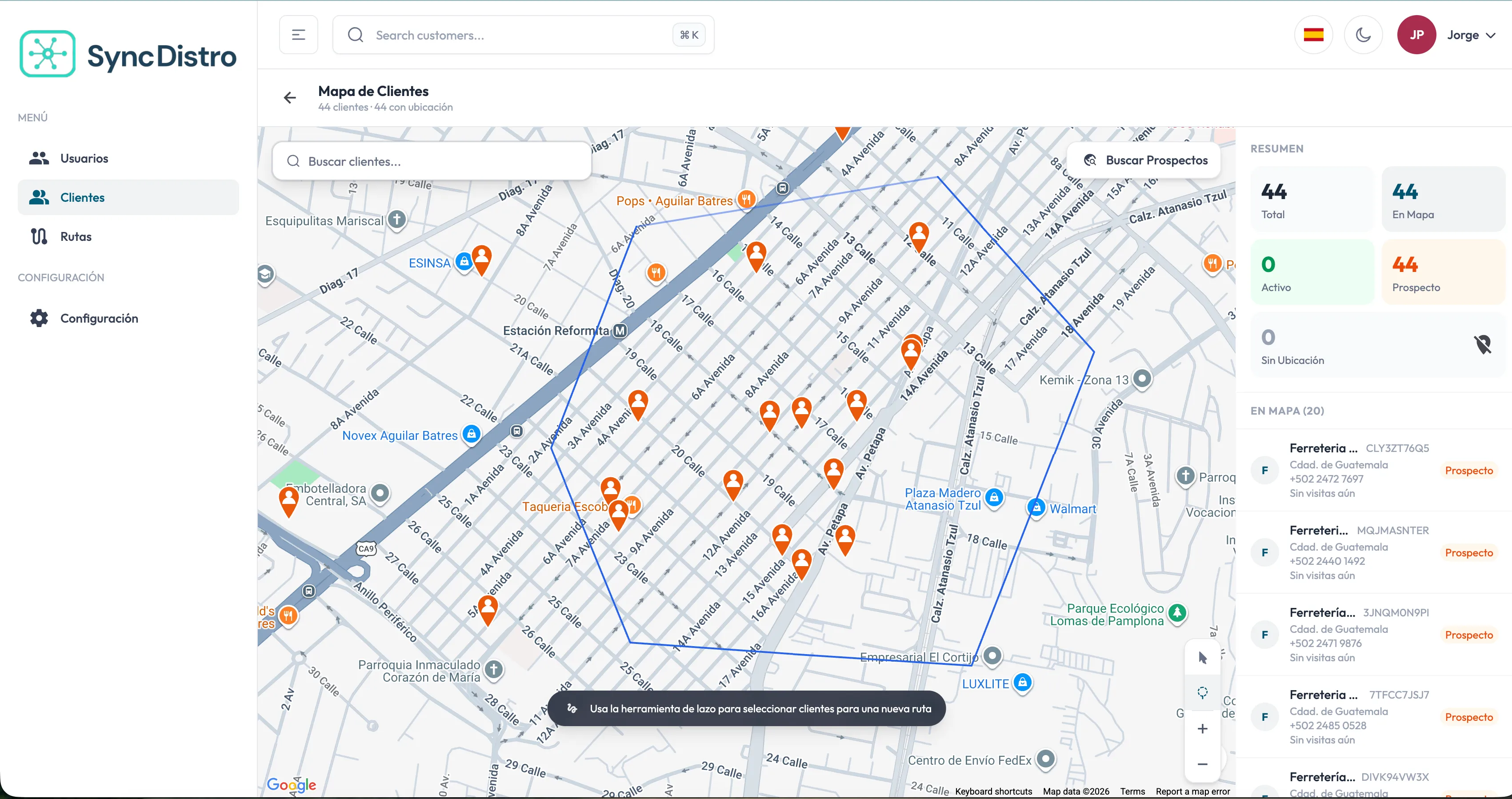
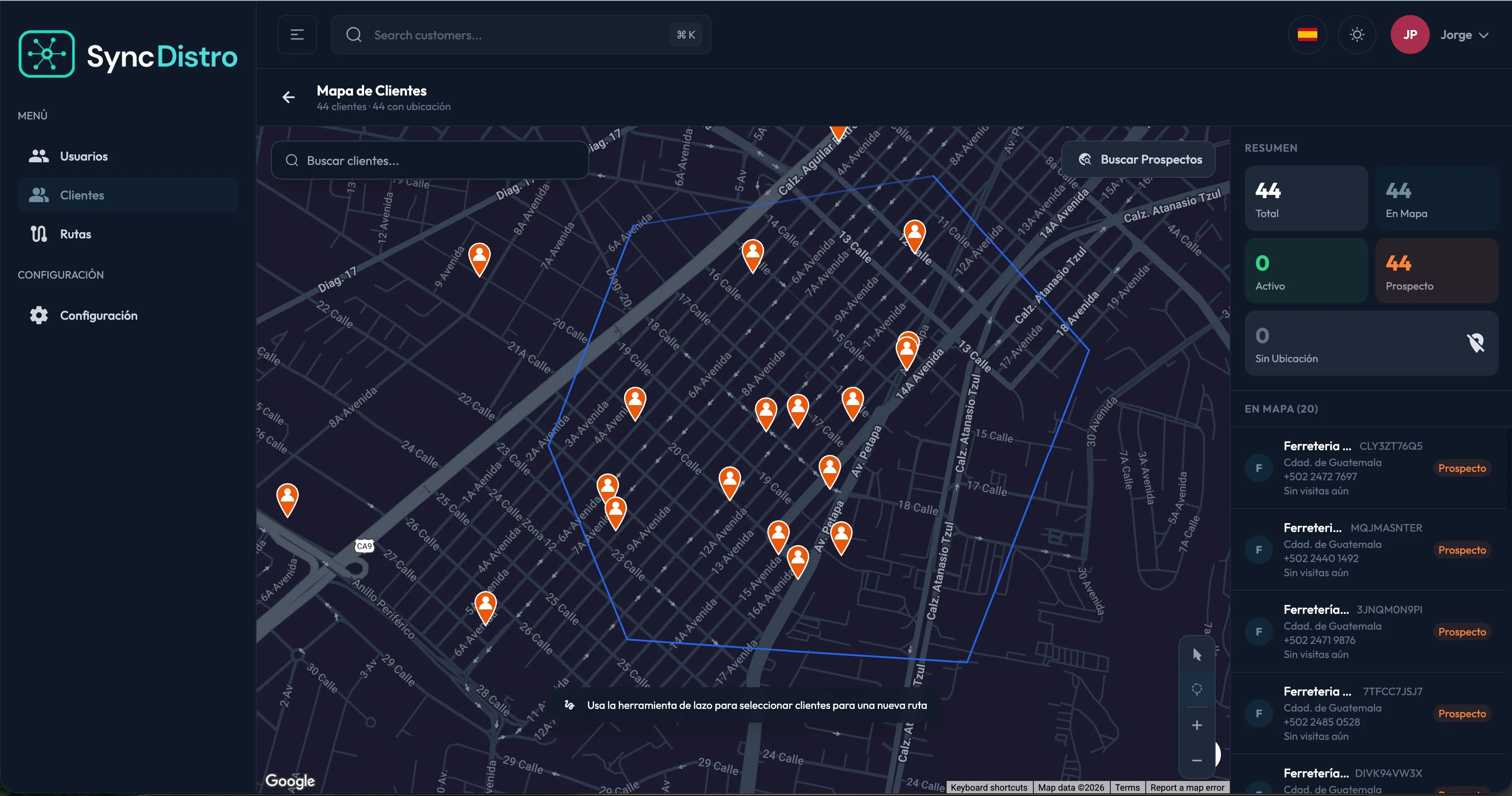
Admins and sales managers work straight on the map: they build routes from the customers they want visited, assign them to a rep, and follow progress without picking up the phone.
Modules
What you manage from the web system
Create, browse and edit customers with legal and trade name, business type, contact, address, tax details and attached documents.
Coordinates taken from the address, entered manually or dropped on the map, with the customer location displayed.
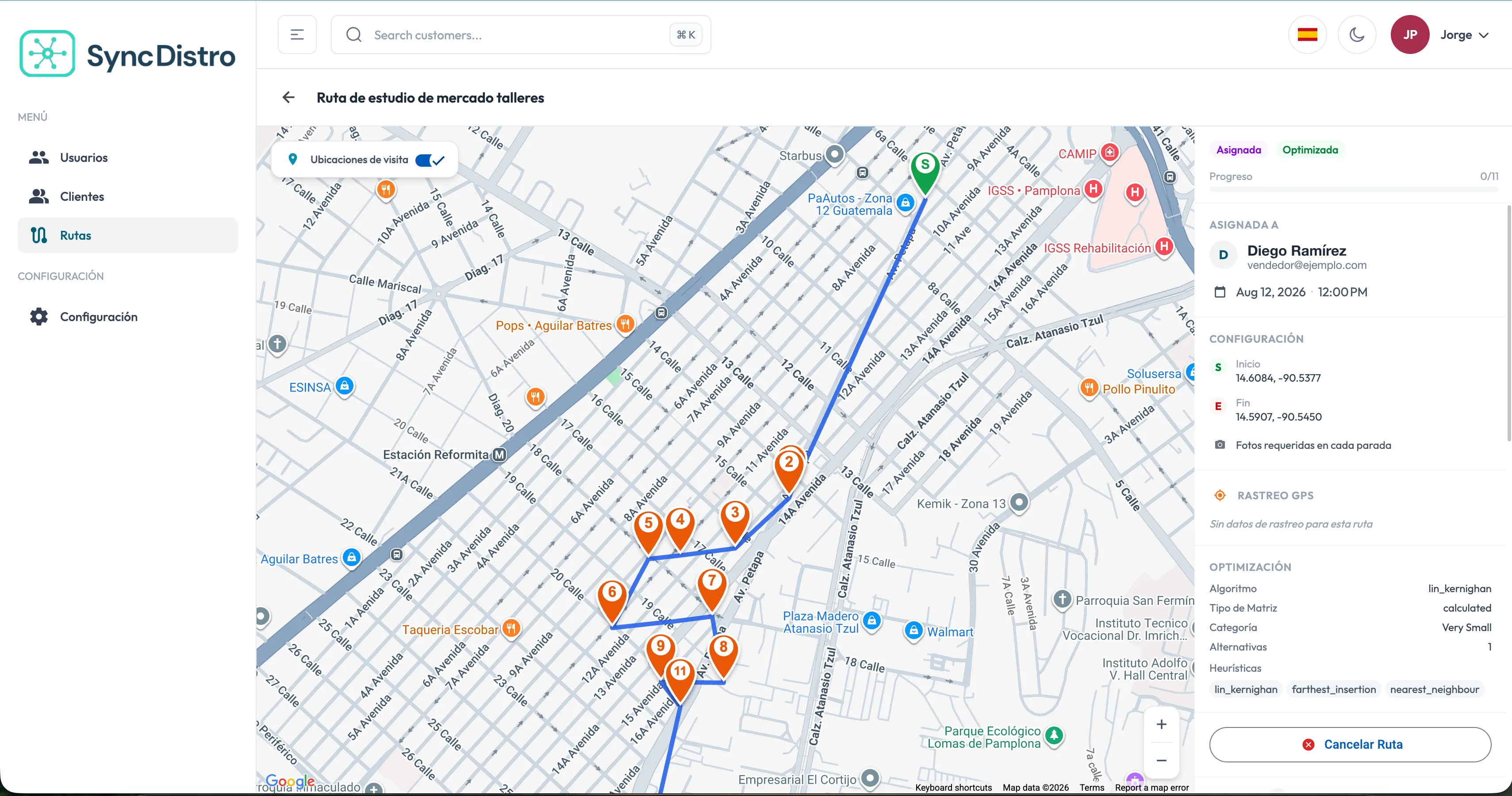
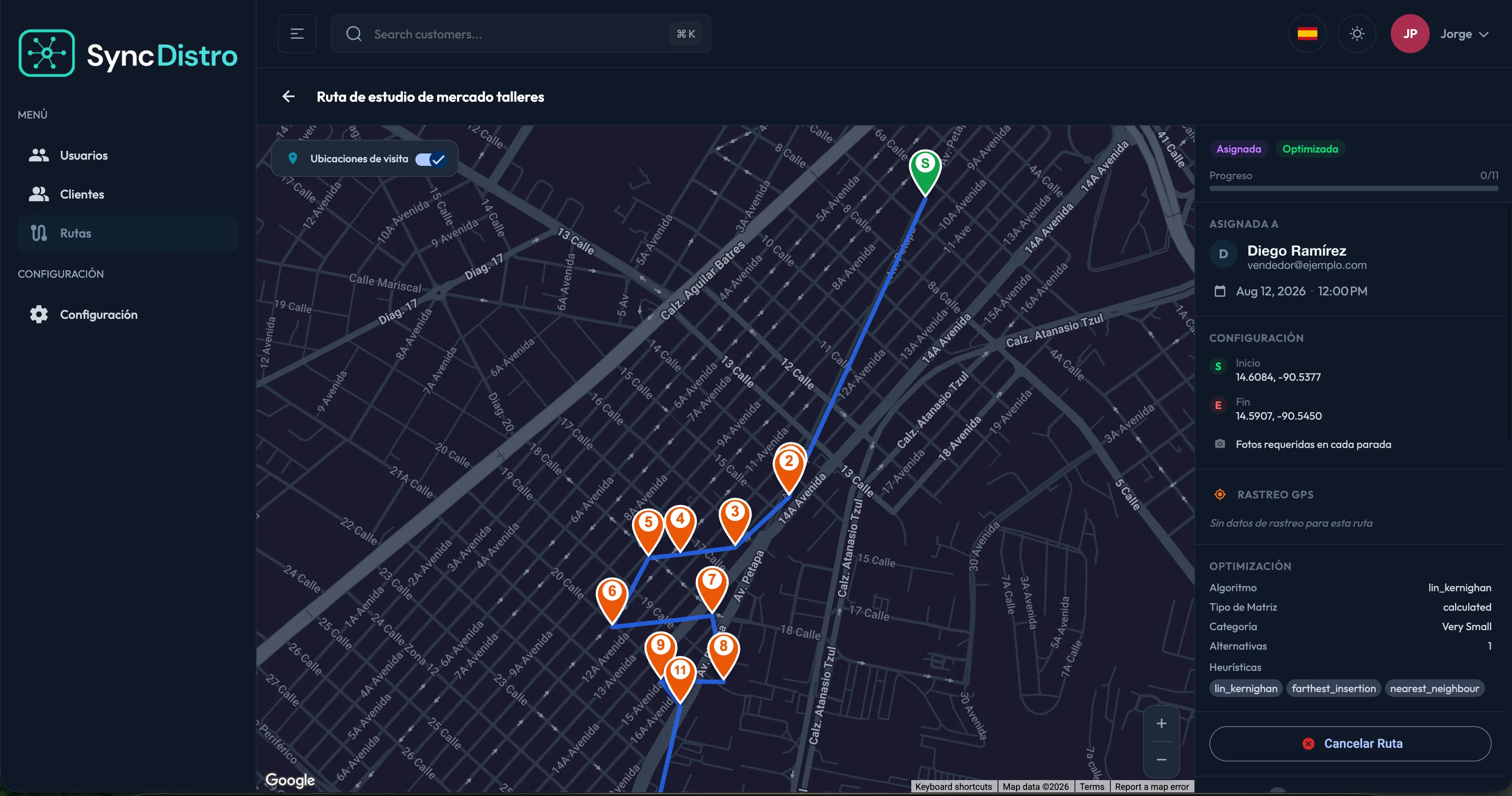
Built from the map, with the visiting order optimized, assigned to a rep and given an execution date.
The rep's live position while the route is active, the stored trail, timings, distance and an approximate fuel cost.
Full history filtered by rep, customer, date, outcome or route, including the transcript and the conversation analysis.
Review the orders created in the field, the result of each ERP submission and the audit trail of every operation.
Browse the ERP catalog with code, name, description, category and base price.
Email invitations, role assignment, pending invitation management, and activating or deactivating users.
Company details, tax information, logo, and regional settings for currency, date, time and number format.
Customers
One record per business
Customer management
The foundation routes and visits are built on.Search before creating
By name, address, phone or tax ID, so you never end up with the same business recorded three times.
Import from a CRM
Customers that already exist in an external system can be integrated instead of retyped.
Documents where they belong
Tax and commercial documents attached to the customer, available to the whole authorized team.
Visits
What actually happened at each business
Visit history
With the transcript and the AI proposal in plain view.Outcome and context
Sale closed, interested, follow-up pending, not interested, business closed or nobody available, with notes and the reason for no sale.
Conversation on hand
Audio and transcript attached to the visit, viewable according to the user's permissions.
Opportunities identified
The conversation analysis highlights pending follow-ups and agreed commitments.
Tracking
Route progress, while it happens
Route progress
Tracking is suspended when the rep pauses the route.Live position
A progress map with the rep's location while the route is under way.
Stored trail
The full path from the moment the route started is saved so it can be reviewed later.
Metrics for the day
Idle time, time on the road, time spent at each store, distance covered and an approximate fuel cost.
Access
Everyone sees what concerns them
Access to modules, views and actions depends on the assigned role, and all information is isolated per organization.
Sign-in and recovery
Access with email and password, secure sign-out, and password recovery by email.
Roles with permissions
Every user gets a role based on their job, and that role defines what they can see and do.
Colleague invitations
The admin invites by email and assigns the role; the invitee accepts and sets up their credentials.
Audit trail
Records that identify which user changed relevant information, and when.
Want to see it with your own data?
We set up a demo with your customers and your catalog so you can see the whole flow.